Your cameras.
Your control.

Nexus brings intelligence to your cameras at the edge. Add the cloud console to connect investigations across sites.

Built for standard RTSP cameras.
Local operation. Optional cloud management.

Local by design.
Connected when you choose.
Your RTSP cameras
Illustrative generic compact edge computerNexus EdgeAnalyze · Record · Respond

Local operation continues without cloud connectivity.
Optional cloud
connection
Nexus Cloud
Investigations
Illustrative white service van at a loading dock
After-hours dock activity
Manage sites · Investigate · Review

Illustrative hardware and product example

Start where you need Nexus.

Deploy at the edge. Add cloud management when you need it.

Run Nexus at the edge

Install the open-source engine on a local device at your site. Connect your RTSP cameras and bring analysis and recording closer to the source.

Explore local setup

Connect through the cloud

Add a shared console for managing sites, reviewing footage, and investigating related events across cameras and locations.

Explore cloud management

Find the story
in your footage.

A camera event is a starting point. Nexus helps you inspect relevant footage and follow related sightings across your cameras.

Start with the moment
Bring the event and its footage into view.
Follow the context
Review suggested links and the sequence around it.
Make the judgment
Use the evidence to decide what happened.
Example investigationIllustrative data
After-hours dock activity

What happened around the loading dock?
West siteEveningVehicle sightings
  1. Vehicle arrivesEntrance camera
  2. At the loading dockLoading dock camera
  3. Vehicle departsExit camera
Synthetic camera still showing a white service van at a commercial loading dock at night
West site · Loading dock

Suggested related sighting
Review the footage to confirm the connection.

Three cameras.
One clearer picture.

See the sequence around an event, from arrival to departure. Related sightings provide context; the evidence stays yours to review.

Example sequence · Synthetic camera imagery and times
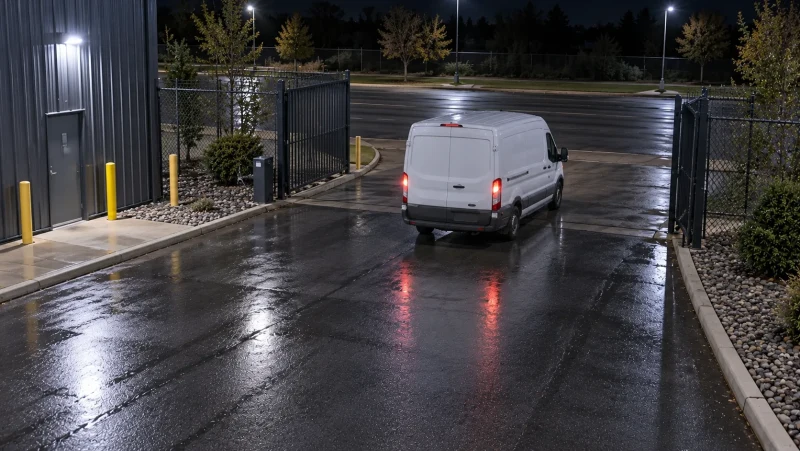
  1. Synthetic entrance-camera view of a white service van arriving at an empty commercial siteEntrance camera
    Arrival
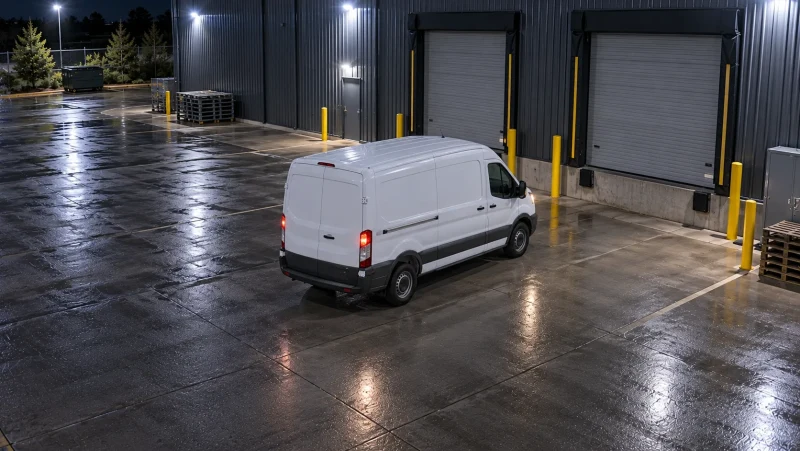
  2. Synthetic loading-dock camera view of a white service van parked at a commercial buildingLoading dock camera
    At the dock
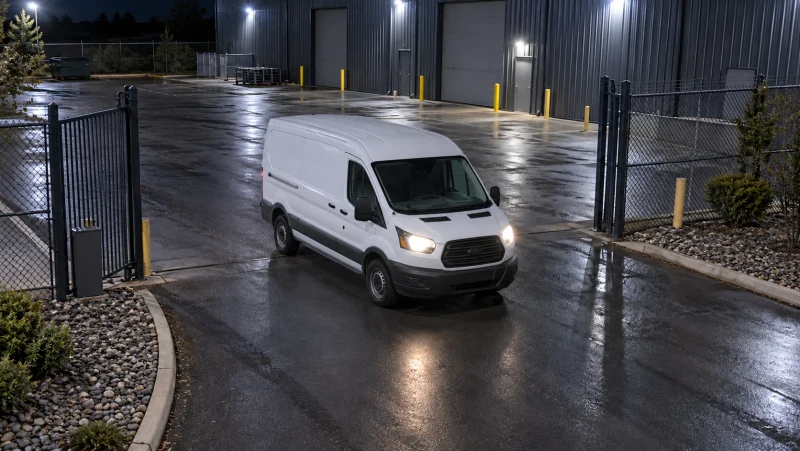
  3. Synthetic exit-camera view of a white service van leaving the commercial siteExit camera
    Departure

Appearance-based links are suggestions, not proof of identity. Review the source footage before drawing a conclusion.

Keep control
close to the source.

Choose how Nexus fits your environment. Keep edge operation local, and decide when connected management belongs in your workflow.

Discuss your requirements
Local operation
The edge engine can analyze and record at your site without depending on the cloud console.
Role-based access
Limit access by role, and keep identity reveals tied to an open case and an audit trail.
Retention you configure
Set edge storage retention to fit the needs of your site and the footage you need to keep.
Evidence before assumptions
Cross-camera suggestions help an investigation. They do not establish a person’s identity or replace human review.

A few things
worth knowing.

Do I need to replace my cameras?

Nexus works with standard RTSP camera streams. Check your camera’s RTSP support and review the installation guide for your environment.

Do I have to use the cloud?

No. The edge engine operates locally. Add the cloud console when you want connected site management and investigation workflows.

What happens if the internet goes down?

Local edge operation can continue without cloud connectivity. Remote access and cloud console features require connectivity; this does not make the cloud console an offline application.

Does camera linking identify people?

No. Appearance-based links suggest related sightings for review. They are not facial recognition or a guarantee of identity.

How can I see Nexus in action?

Request a demo to discuss your cameras and workflow, or get started with the cloud console and edge installation guide.

See Nexus in your world.

Talk through your cameras, your sites, and the questions you need to answer.